A look inside
Screenshots
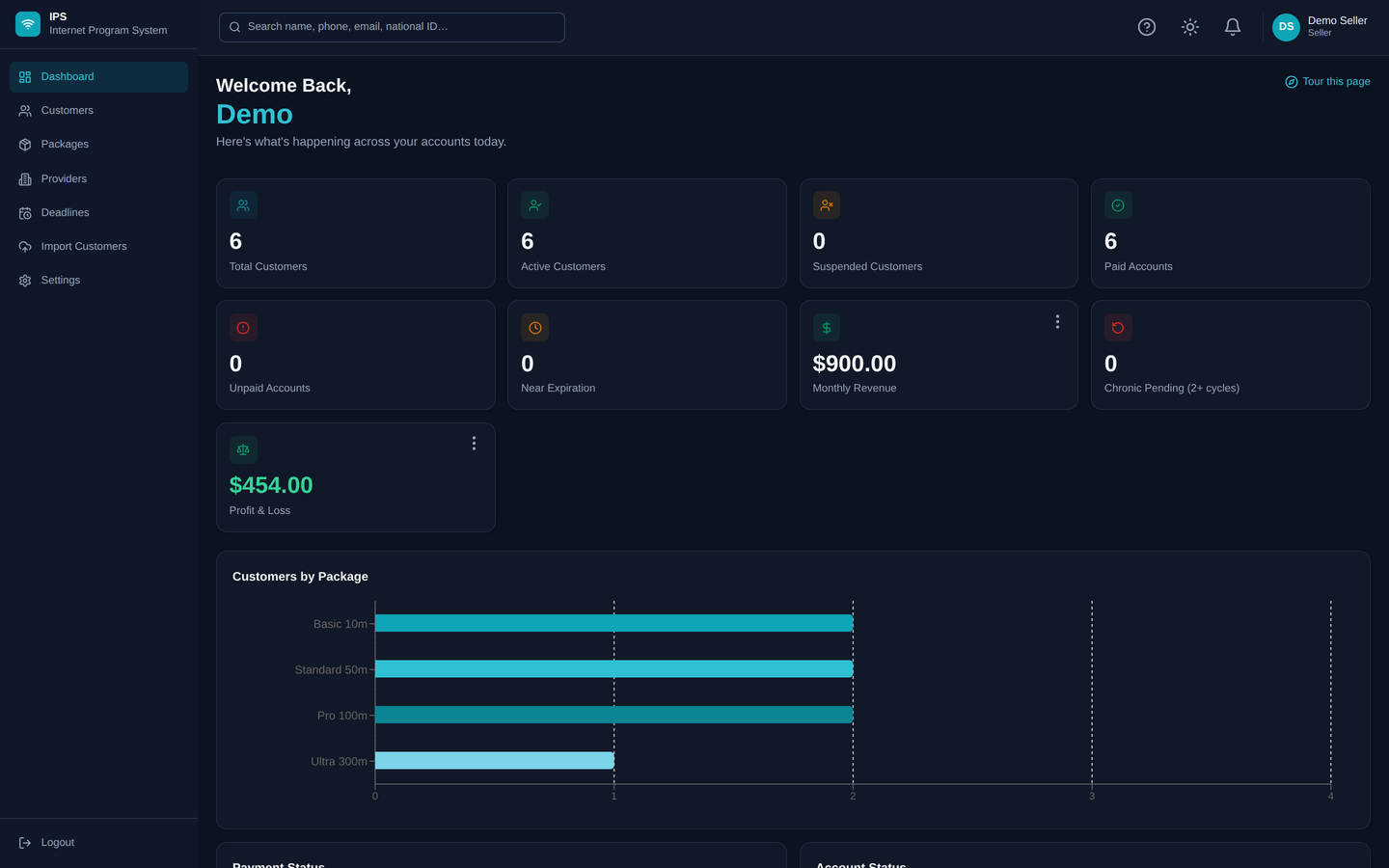
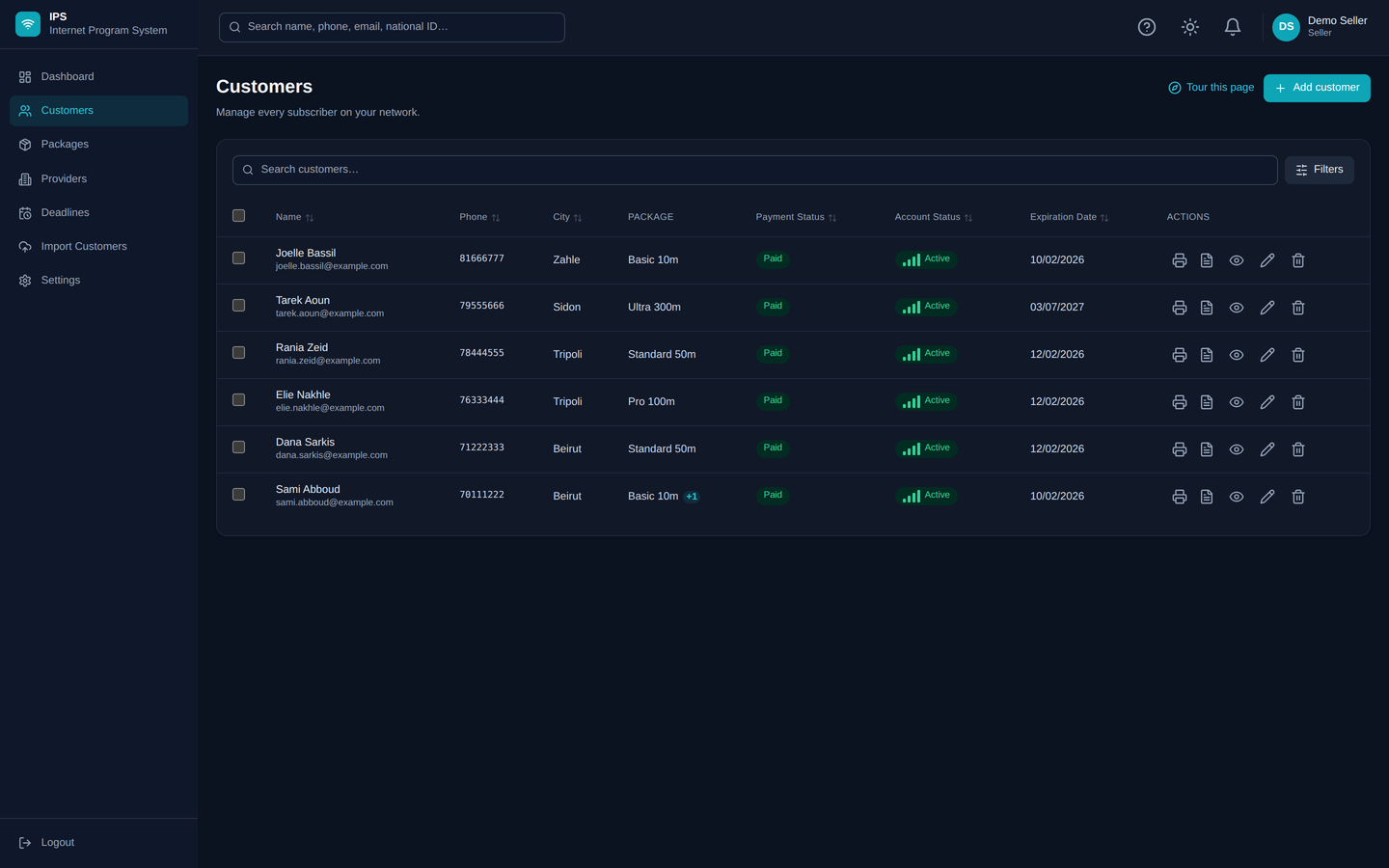
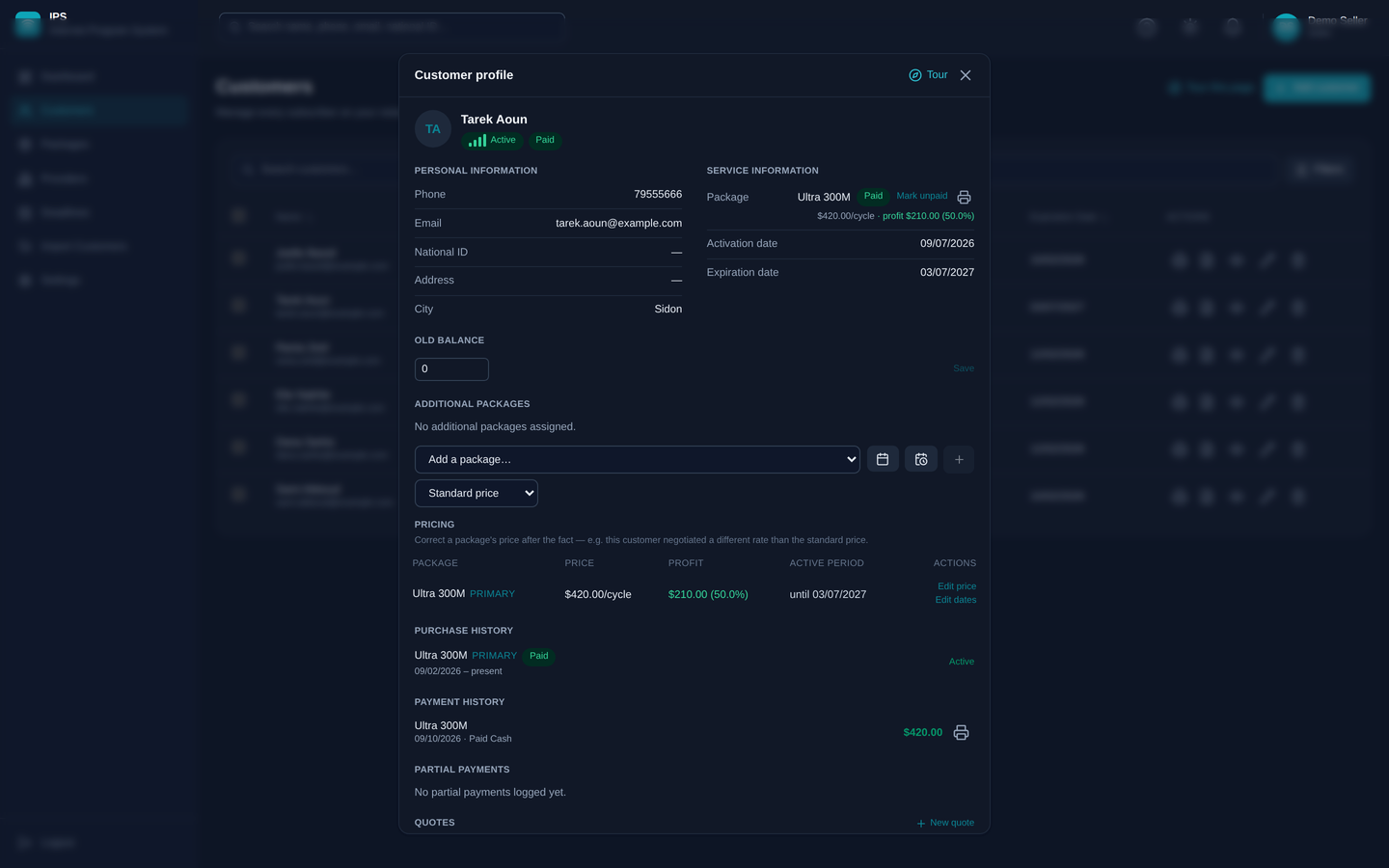
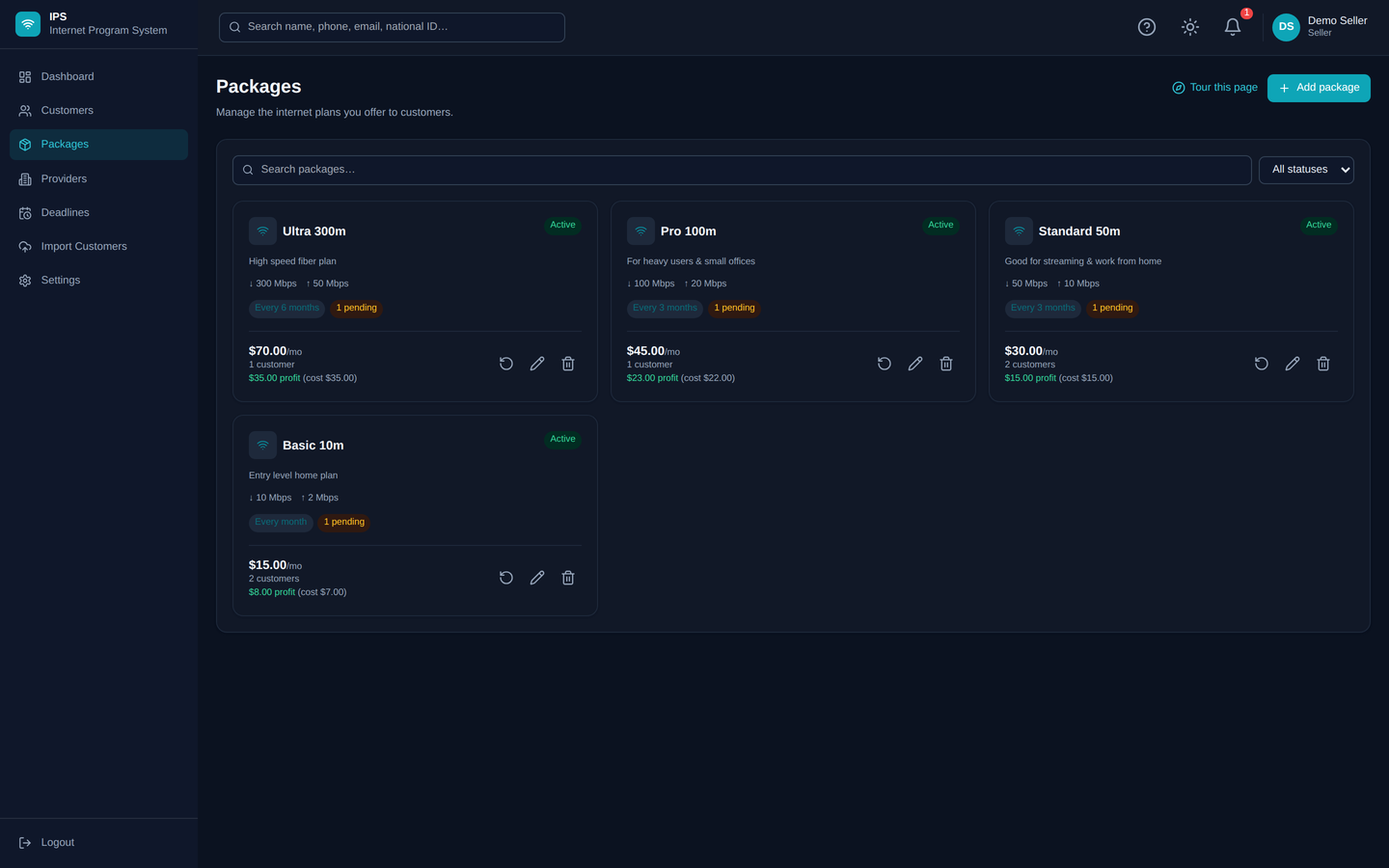
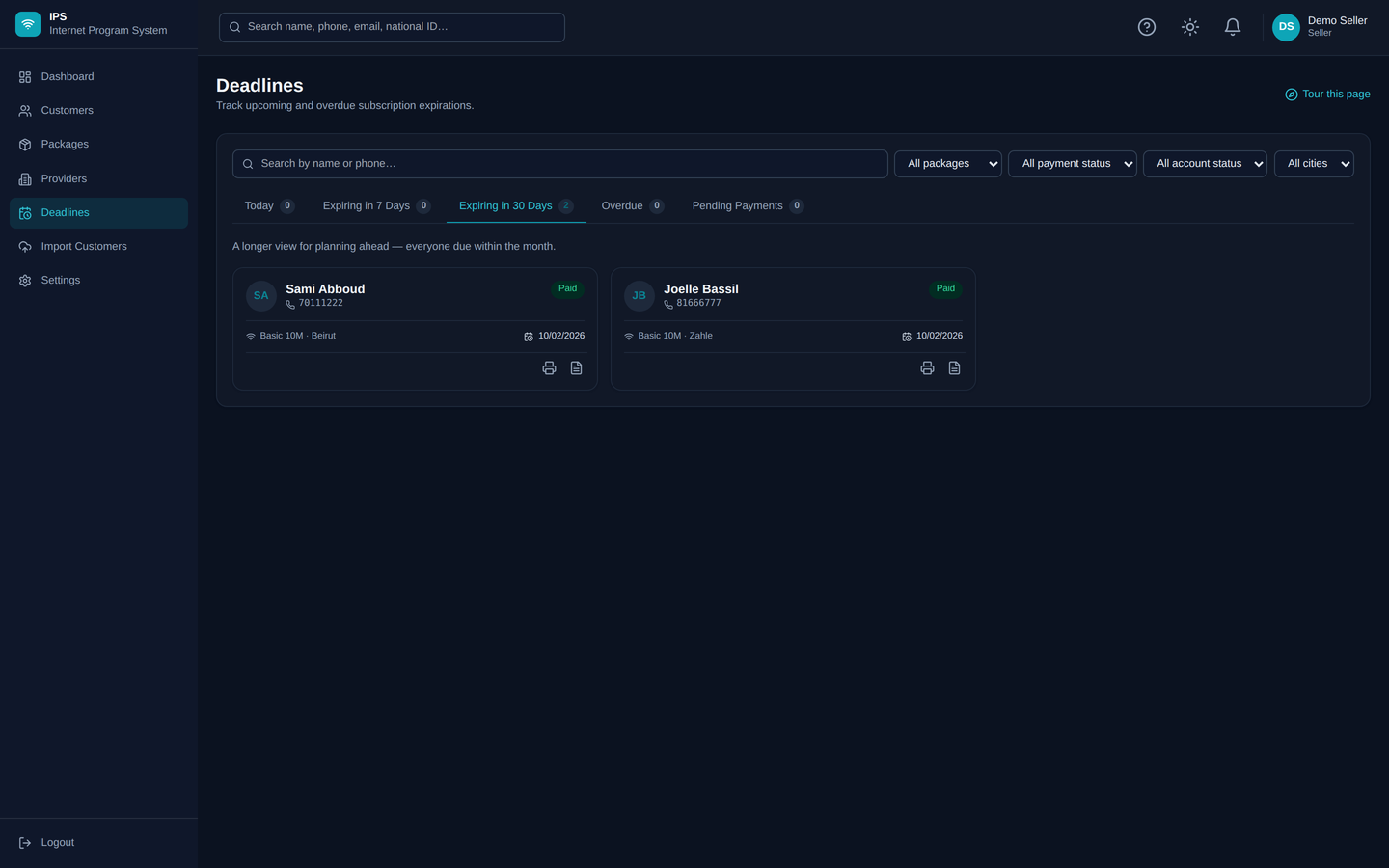
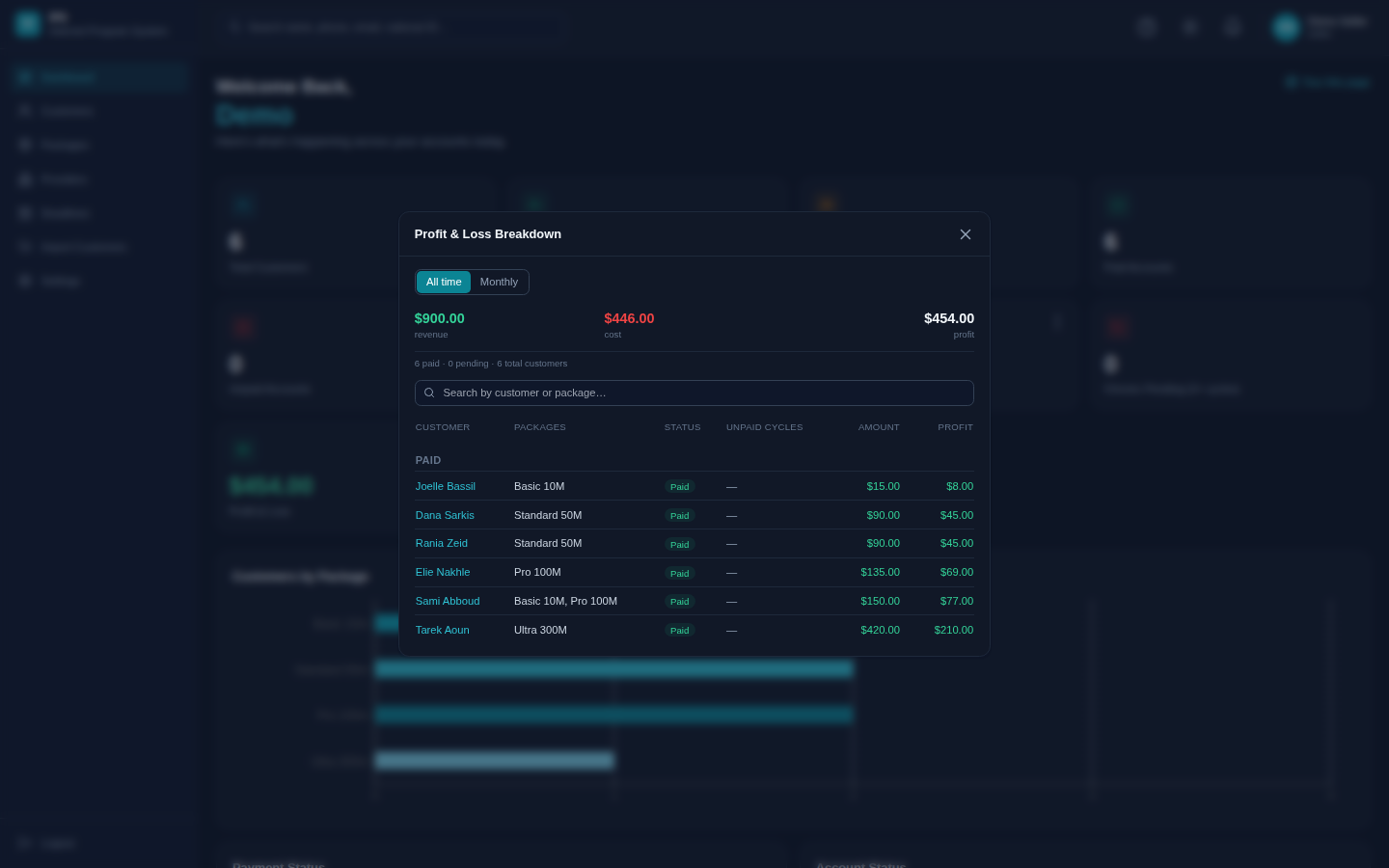
IPS is the console your team uses to manage internet subscribers, plans, and renewals — from a laptop, a phone, or a browser.
Platform
One system for the parts of running a customer base that used to live in spreadsheets, chat threads, and memory.
Every subscriber, their plan, and their history in one record — searchable, filterable, always current.
Cash and digital payments logged with instant PDF receipts — no separate bookkeeping step.
Upcoming and overdue renewals surfaced automatically — nothing slips through because someone forgot.
Live revenue and cost breakdown by package — see what's actually profitable, not just what's active.
Bring an existing customer list in from a spreadsheet, validated row by row before anything is saved.
Each seller only ever sees their own customers and records — no shared or cross-account visibility.
Providers
Link every package to the upstream ISP or bandwidth provider it's actually bought from, and see profit & loss broken out per provider — not blended into one number.
Keep a record of every upstream provider you buy from, with contact details and every package sourced from them.
Know exactly how many packages and customers ride on each provider, at a glance, before you renegotiate or switch.
See revenue, cost, and margin for each supplier on its own — find out which one is quietly costing you money.
Pricing
No per-seat fees, no feature gating — every plan gets the full platform. Pricing simply scales with how many customers you're managing.
0–100 customers
$50/mo
101–250 customers
$75/mo
250–500 customers
$100/mo
500–1,000 customers
$125/mo
1,000+ customers
$150/mo
Everywhere you work
Desktop
Windows app
Mobile
iOS & Android
Anywhere
Web browser
Get the app
Same account, same data — on your phone or your desktop, download IPS directly instead of going through an app store.
Mobile
Same account, same data, on iPhone or Android — pick your platform to continue.
Windows
Install IPS as a desktop app on Windows, with the same account you already use.
Checking for a build…After downloading the APK, your device may ask you to allow installation from unknown sources. Follow the on-screen prompt to finish installing.
Use "Open the app" above in Safari (not Chrome — Add to Home Screen only works from Safari on iOS), tap the Share icon, then "Add to Home Screen". IPS will appear as its own icon and open full-screen, just like an installed app.
A look inside
Pricing depends on the size of your customer base — reach out and we'll set you up.